
Three smart-home integrations I spec because they rely less on apps and everyday Wi-Fi performance.
Keypads beat wall acne (and app fatigue)
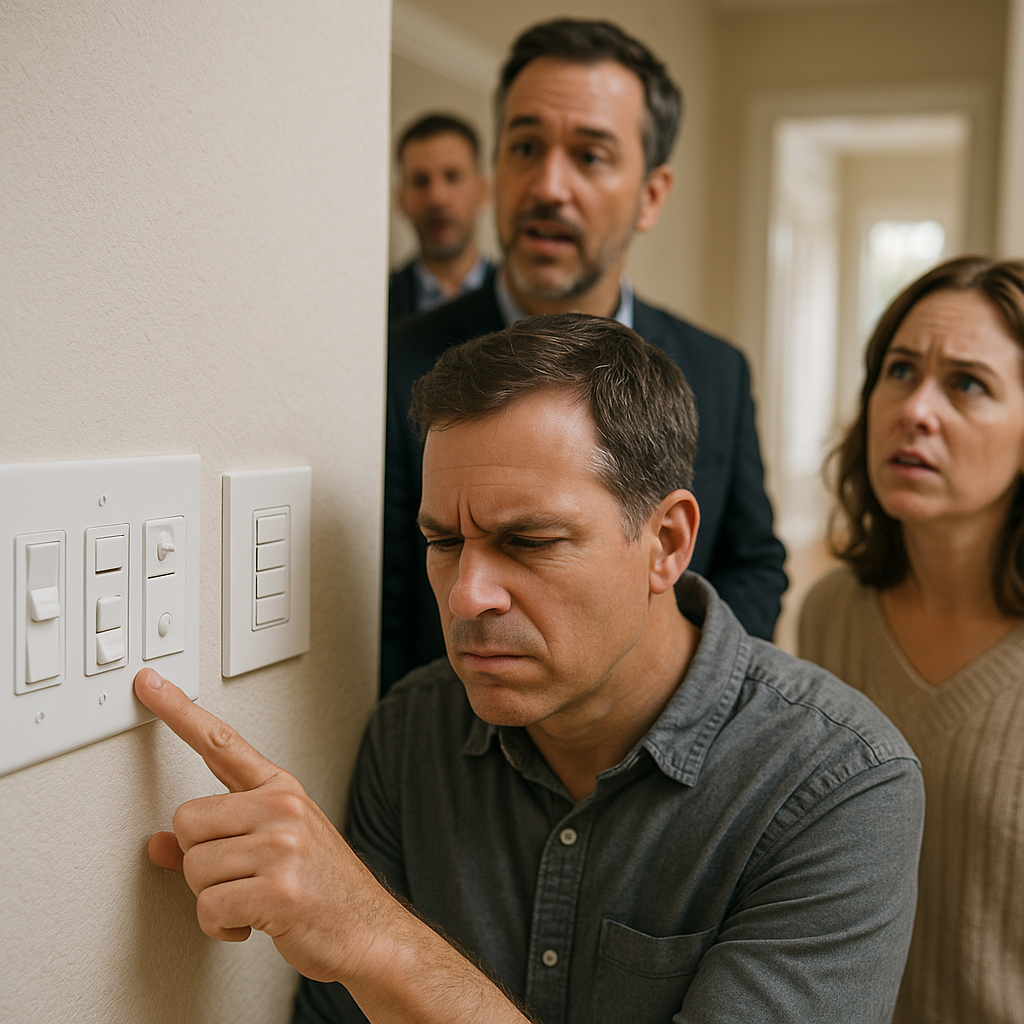
I used to think buyers wanted the flashy stuff: a giant touchscreen in the kitchen, a voice assistant in every room, and an app with a million automations. Then I watched a few too many showings where somebody stood in a hallway, squinting at three different dimmers, a fan control, and a mystery switch that did nothing. The agent is talking about the school district, and the buyer is poking at the wall as if trying to crack a code. That is the moment when value leaks out.
A well-placed keypad fixes that without feeling like a science project. I like Lutron Caséta for smaller jobs and RadioRA 3 when the house deserves a full lighting plan. The point isn't the brand name; it's what a labeled button does to the space's experience. You walk in, tap "Entertain" or "Goodnight," and the house behaves. No one needs to download anything. Nobody asks, "Which app is it again?" You also get rid of the stacked plastic plates. Clean, considered walls can contribute to that custom feel, especially when controls aren't competing for attention.
What I spec, over and over: a 4-button scene keypad at the main entry, one by the primary bedside, and one in the kitchen where people naturally pause. Keep labels plain (Welcome, Evening, All Off) and limit them to what a guest would confidently press. If you want to go deeper, do it in the backend of the system, not on the face of the wall. Buyers don't fall in love with your automation logic. They fall in love with not having to think about light.
Hardwired network gear hides your smart home's weak spot
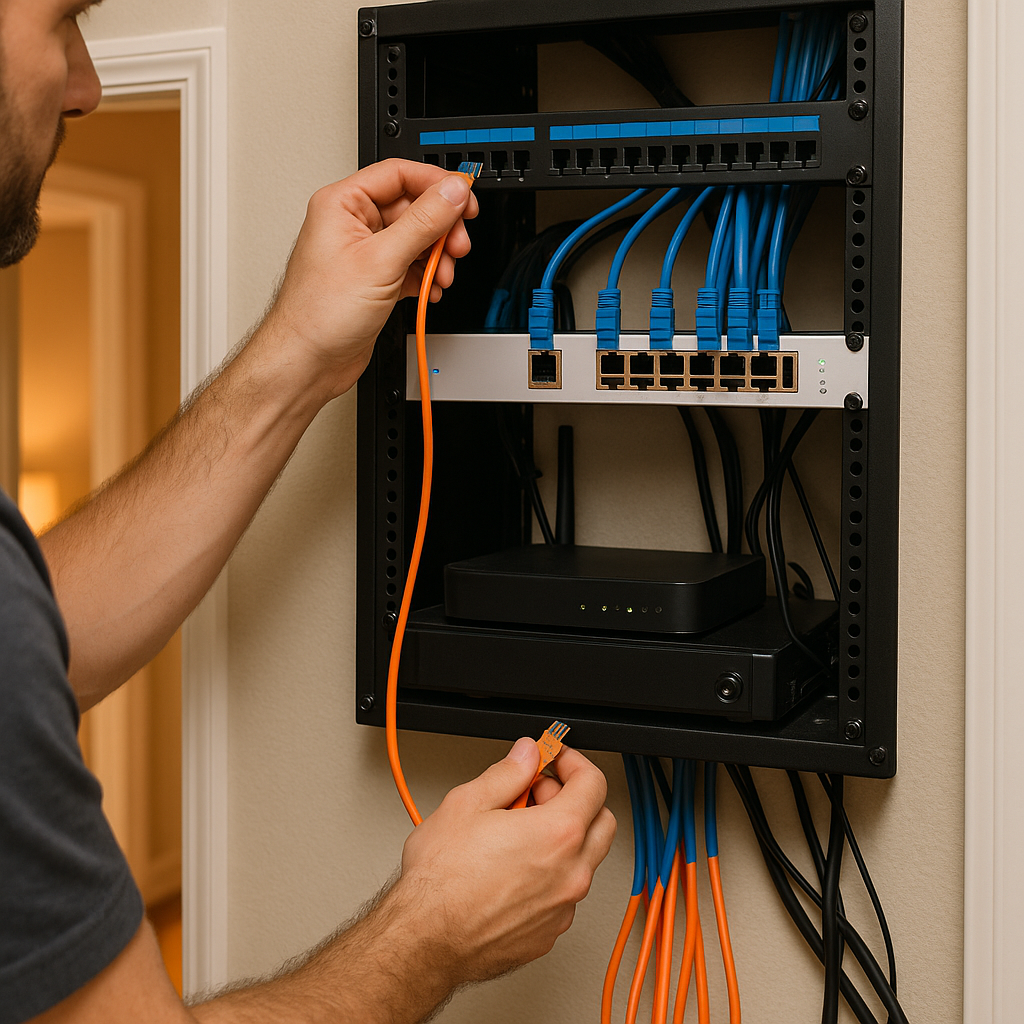
Smart homes don't usually fail because the lock is bad or the thermostat is dumb. They fail because the network is a mess. I've walked into million-dollar houses with five extenders plugged into random outlets, a router balanced on a book, and a closet that looks like a spaghetti incident. Then someone wonders why the cameras lag and the music drops out when the microwave runs. If you're trying to protect value, the unsexy fix is what lands: treat the network like a utility.
I like a simple, explainable backbone: a small rack or structured media panel, a patch panel, a PoE switch for cameras and access points, and hardwired runs to the places that matter. Ubiquiti UniFi is common for a reason, but the brand isn't the headline. The takeaway is that a well-designed network with multiple access points can provide more consistent coverage throughout a larger home. At the same time, wired connections reduce the amount of traffic competing for wireless airtime. If you're already doing any drywall work, pulling Cat6 to the office, TV locations, and ceiling AP spots is one of those moves that doesn't photograph well but gets noticed the first time someone does a FaceTime call in a far bedroom.
Practical integration detail: put the gear where it can breathe, not buried behind coats. Label the cables. Leave a little slack. Add a small UPS so the modem, router, and PoE switch ride through short outages. That last part matters because a buyer won't forgive a smart front door that goes offline during a storm. When the infrastructure is clean, you can add or swap pieces later (cameras, doorbells, streaming boxes) without the whole system turning into a weekend troubleshooting hobby.
A real alarm panel integrates better than a pile of sensors
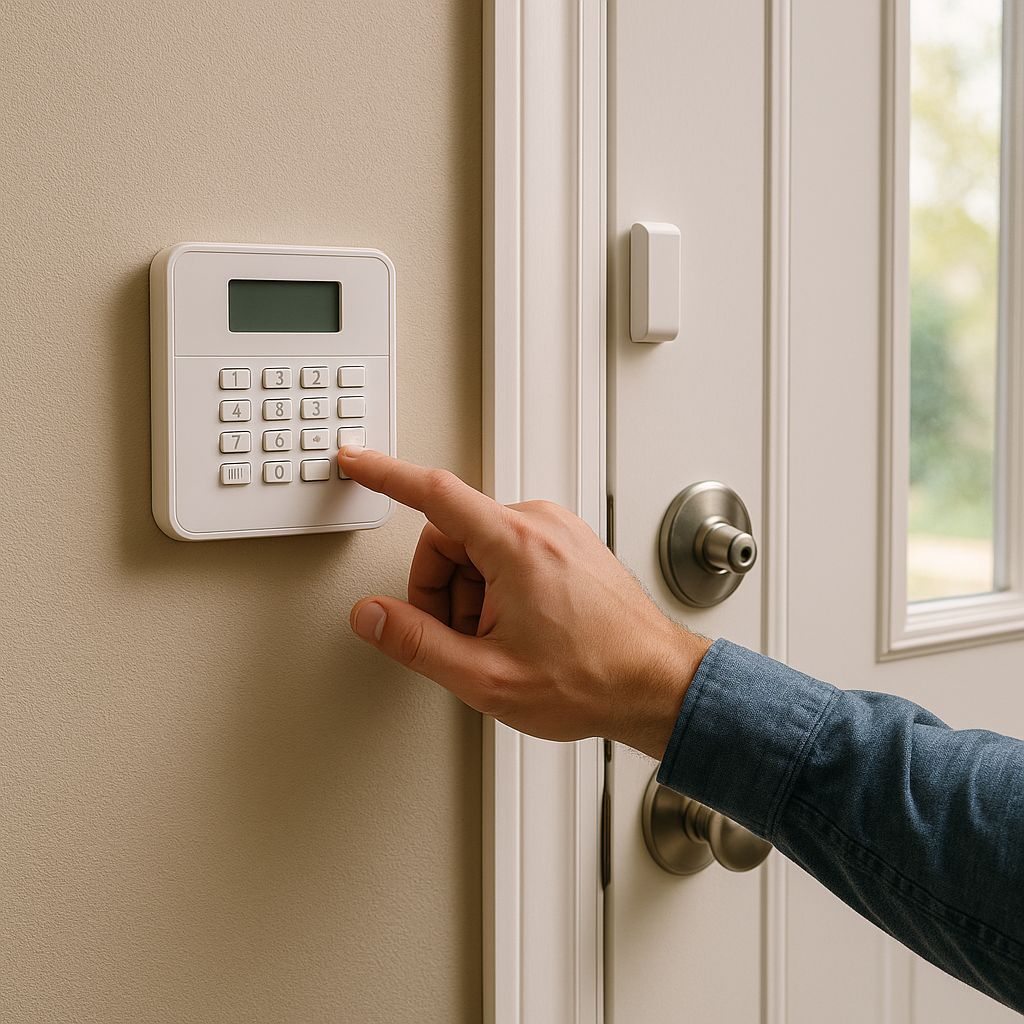
There's a point where adding one more door sensor stops feeling modern and starts feeling like you're compensating for something. I've toured homes where every window has a different brand stuck to it, each with its own app and its own low-battery chirp schedule. It makes the house feel fussy. A clean, integrated security setup does the opposite. It signals that the place has been cared for and gives the next owner a system they can keep, monitor, and expand.
My preference is a proper alarm panel with professional-grade sensors, then smart-home tie-ins layered on top. Alarm.com is a common hub for this because it can connect alarms, cameras, and thermostats into a single ecosystem without turning the whole experience into a tablet dashboard. You still get the integrations people expect (arming scenes that set lights, notifications that don't rely on a single phone account). Still, core security does not depend on a consumer Wi-Fi device staying happy forever. If the buyer wants monitoring, that conversation is straightforward. If they don't want professional monitoring, they'll need to ask the service provider what functionality remains available with that particular panel and service plan. Either way, the setup feels more cohesive than a box of unrelated parts.
One hands-on note from doing swaps: make sure the panel location and keypad placement are sensible, not hidden behind a door. Use recessed contacts where you can, especially on primary doors, so you aren't advertising hardware on day one. If you add smoke/CO integration, do it with the listed devices and an installer who knows the local code path. The win here isn't more alerts. It's that everything has a home, the naming is consistent, and a future owner can take over without begging you for the login to six different accounts.