
Smart homes can look flawless during a polished tour and turn frustrating once real life starts. A few targeted checks can reveal whether the system is genuinely well built, easy to maintain, and ready for a new owner, or simply impressive when everything is behaving.
Find the network closet and read it like a rack
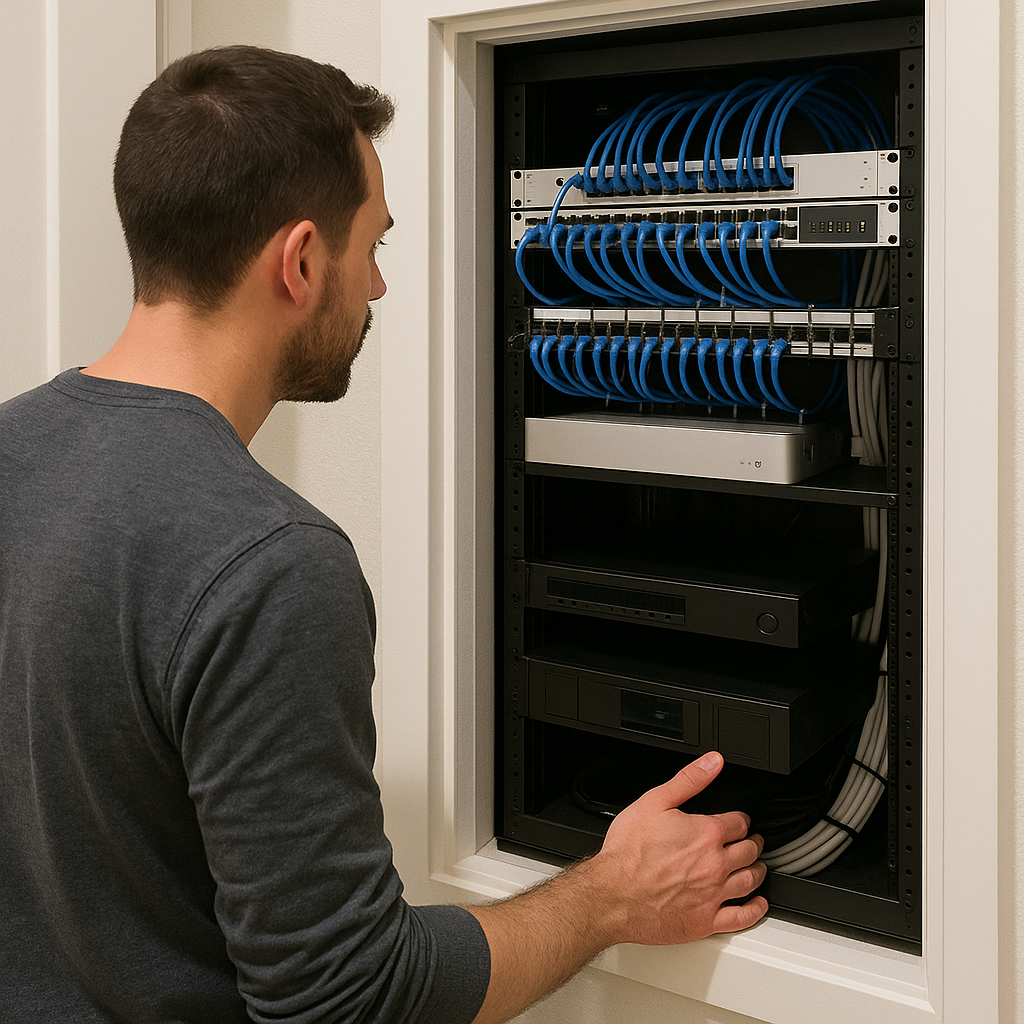
I don't start by saying, "Hey, can you show me the app?" I start by asking where the low-voltage gear lives. If the agent looks confused and points at a Wi-Fi router sitting on a random shelf, that tells you a lot about what you're inheriting. In the best houses, there's a dedicated closet or small mechanical room with a proper enclosure and labeled runs. You'll see tidy patch panels, not a spaghetti bowl of keystone jacks. Look for orderly, appropriately rated power distribution and a UPS where backup power makes sense. Daisy-chained surge protectors are a genuine red flag. And you'll see ventilation that looks intentional. Warm networking gear in a sealed cabinet is how you end up with a flaky system that only fails when you're hosting.
Then I look at how much of the house relies on wired connections. Are there Ethernet drops at TV locations, offices, and access points, or does most of the system depend on wireless coverage? Are cables labeled in a way a new integrator could understand without mind-reading? Even a simple label like "AP-NorthHall" beats "Cable 17". I also ask one unsexy question that matters more than which touch panel brand is on the wall: where is the modem, and where does the fiber enter? If the internet handoff is buried in an awkward location or connected via a questionable run, ask how the network was tested and whether the wired connections are performing at the expected speeds.
Finally, I ask the seller a few questions about the system's maintenance history. Ask who services the system, how often support has been needed, and whether maintenance records or recent invoices are available. The answers can help you decide whether to take photos of the model numbers and price the handoff: you may not need new hardware, but you might need cleanup, documentation, and a support plan that isn't based on the guy who installed it in 2016 and then vanished.
Make them run a failure drill in front of you
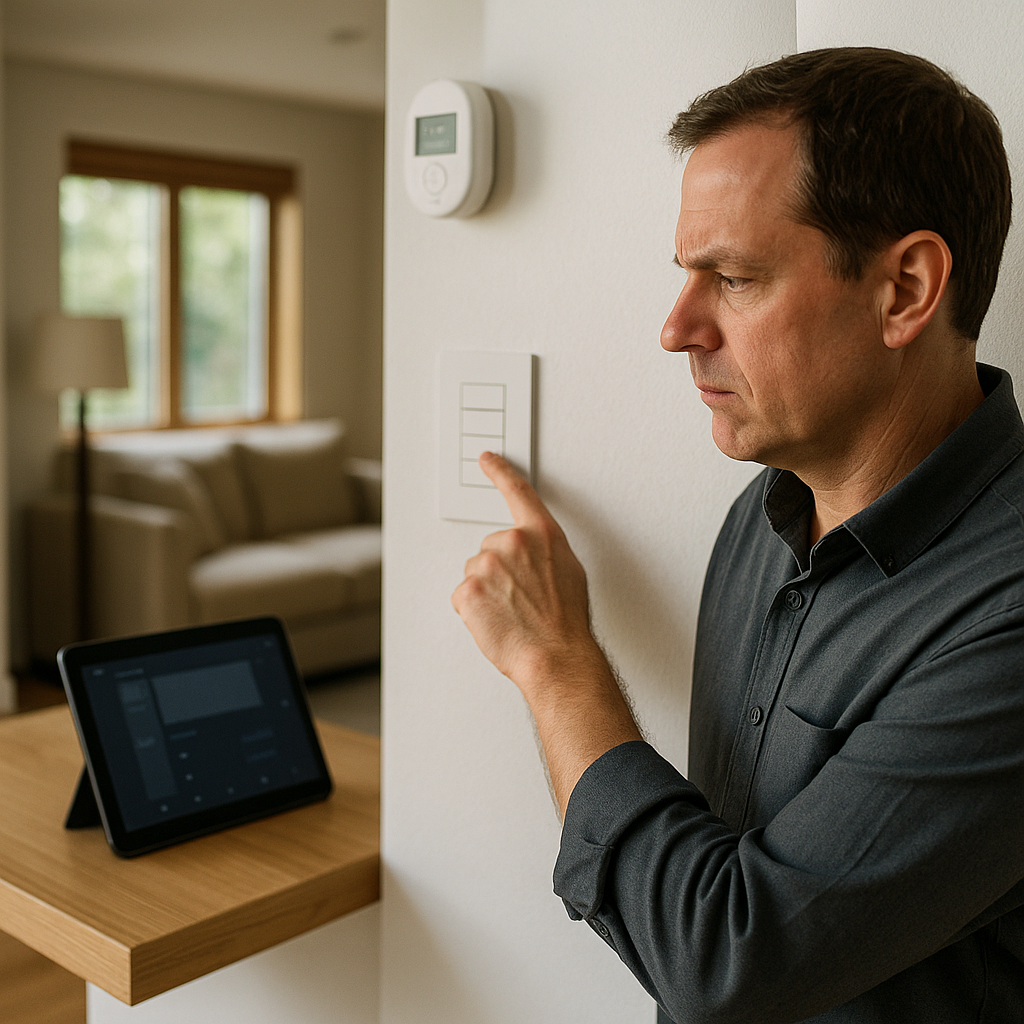
Here is the moment I stop being polite: I ask the seller or the integrator (if they're on the tour) to quickly trigger three everyday actions, one after another, without narration. Something like: turn on a lighting scene, start music in one zone, and change the thermostat setpoint. I'm not trying to be annoying. I'm trying to see whether this place behaves more like a product or a science fair demo. A well-done system looks boring. A Lutron scene pops immediately. A Sonos zone starts without the long spinning wheel. The thermostat change happens, and it doesn't take 30 seconds while the UI stutters.
Then I ask for one small disruption and watch the recovery. Not an elaborate stunt, just a practical question: "What happens if the internet drops for an hour?" The wrong answer is a shrug. A more useful answer explains exactly what keeps working without internet access. Some systems preserve local lighting and keypad control, while cloud-based functions may pause until the connection is restored. If the entire house goes dumb the second the WAN link hiccups, you're buying into a support relationship whether you want it or not.
Pay attention to the control surfaces. If nearly every function depends on one tablet on a coffee table, I want to know what still works when that device is unavailable. If there are in-wall keypads within reach (entry, kitchen, primary suite), the house is usable even when your phone is dead. Ask to see the app's device list and scan it like you'd scan a dependency tree: If the device list shows many separate platforms, ask which systems depend on one another and who is responsible for maintaining and updating them. I also look for the little tells of a house that was tuned: consistent room naming, scenes that match how people move through the home, and automations that don't feel jumpy. When motion sensors are set too aggressively, the lights do that awkward on-off thing when you're trying to make coffee, and the system thinks you're a ghost. Anyone who's debugged a flaky deploy instantly recognizes that vibe.
Ask for the documentation bundle before you fall in love
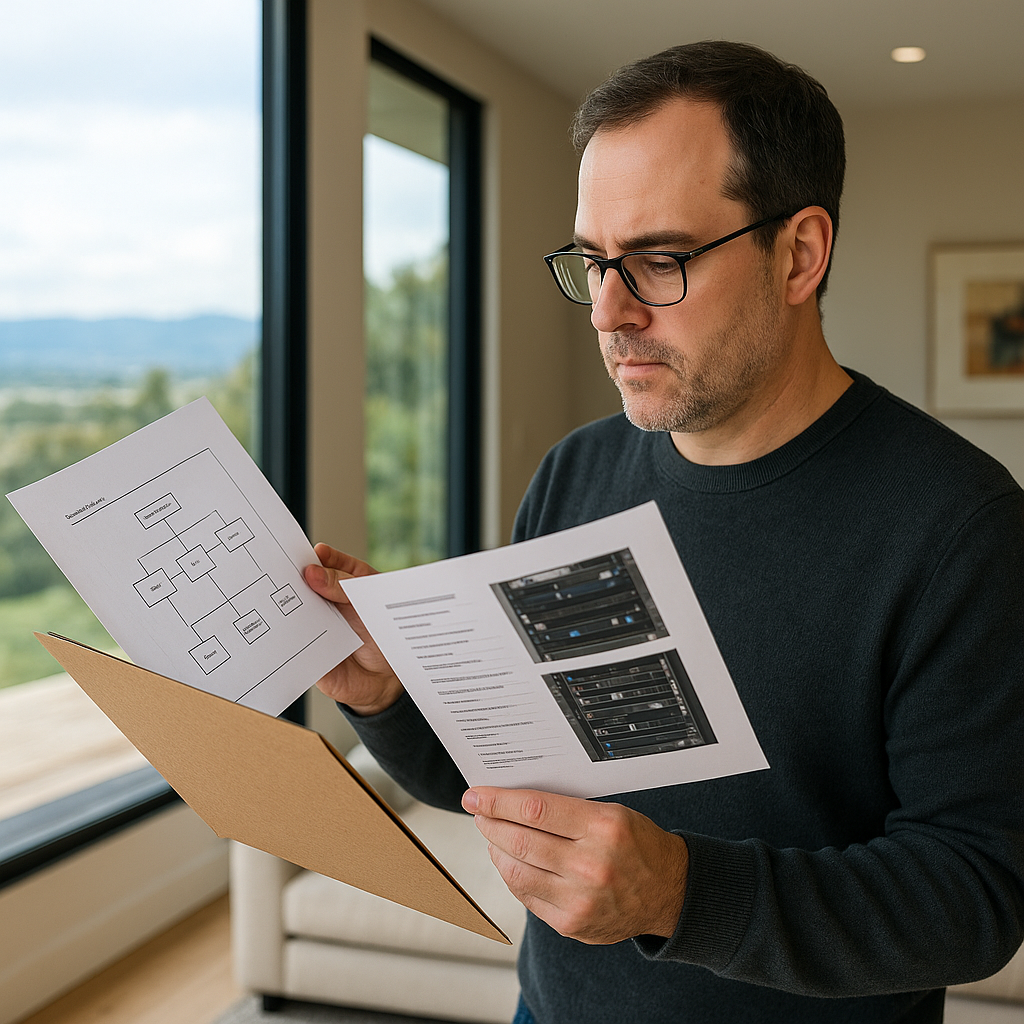
When a luxury home is marketed as smart, the buyer who works in tech isn't just buying gadgets. You're buying the right to administer a little ecosystem you didn't design. So I ask for the boring packet early, before I'm emotionally attached to the view. It can be as simple as a folder containing a network diagram (even a rough one), a list of installed gear with model numbers, and who services what. If the house uses an automation platform like Control4, I want the dealer's information and details about the account transfer process. If there's a rack, I want photos of the front and the back. Yes, the back. That's where you see if it's clean or cursed.
I also ask about credentials and ownership in plain language: which accounts will transfer, and which will need to be recreated. Doorbells, cameras, music services, thermostats, and garage controllers can be tied to the seller's email and phone number. If the plan is simply to hand over passwords, ask for a proper ownership-transfer process instead. Smart-home devices may need accounts reassigned, removed from the seller's account, or factory-reset before the buyer can take control. A seller who has done this well can calmly tell you which devices will be factory reset at closing and which ones are designed to be reassigned. If they can't, assume you'll spend your first weekend doing resets, re-pairing, and crawling through settings menus while the family asks why the hallway lights are blinking.
One more thing I ask that feels nosy but saves real money: what changed recently? New ISP? New access points? A lighting upgrade? If major components were changed recently, ask what was replaced, why it was replaced, and whether the updated system has been fully tested. I'd rather inherit a stable, slightly older setup with known quirks than a brand-new stack of firmware updates that hasn't lived through a holiday party, a power blip, and three simultaneous Zoom calls. For an expensive smart-home installation, good documentation can make future maintenance, upgrades, and troubleshooting considerably easier. In a smart home, good documentation is one sign of a system that will be easier to maintain. It means you can swap providers, add a feature, or troubleshoot at midnight without having to guess which box does what.