
Three hands-on systems (binder, red envelope, and a beneficiary audit) that keep your money transfer plan readable for whoever has to execute it.
The Legacy Binder I Hand to a Spouse Without Narrating
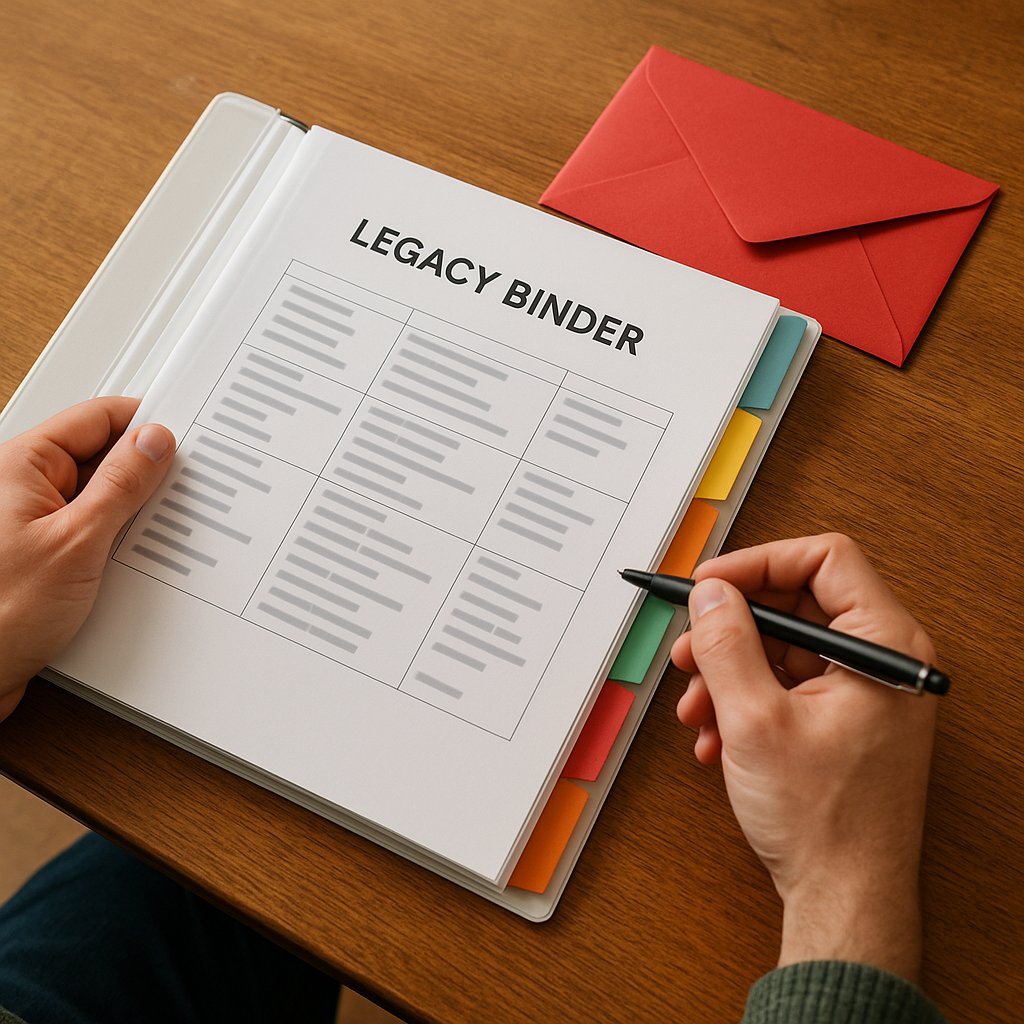
I used to think our estate plan lived in the attorney's portal, which is a hilarious thing to believe when you're the one who knows the password manager and the two-factor codes. So I built a physical binder that can be handed to a spouse, sibling, or future executor and understood in ten minutes, even if they're stressed and sleep-deprived. It's not fancy. It's brutally legible.
Here's how I structure it so it doesn't become a junk drawer of PDFs:
- Tab 1: The one-page map. Names, phone numbers, and what each person does (estate attorney, CPA, insurance agent, financial institution support lines). I include account nicknames like "Vanguard brokerage" and "Fidelity 401(k)" so someone isn't guessing which login matters.
- Tab 2: Documents that prove authority. Will, trust (if you have one), durable power of attorney, health care directive. If you're holding originals somewhere else, I write exactly where: "Safe deposit box at X bank, key in home safe."
- Tab 3: The money list. Not balances (those change), but a roster: banks, brokerages, retirement accounts, HSAs, life insurance, 529s, and any employer equity portal. Each line gets: institution name, last four digits, and the fastest way to get to a human. This is the tab that keeps heirs from missing an old HSA you opened in 2017.
- Tab 4: The tax side. Last two years of returns, CPA contact, and a plain-English note like: "We do backdoor Roth contributions each year" or "Rental property depreciation schedule is with the CPA." Don't write a novel. Write the weird bits someone would trip over.
- Tab 5: How to keep the lights on. Which bills are on autopay, where the checking account lives, and what has to be paid manually (property taxes, estimated payments, HOA). This is the section that prevents the stupidest kind of crisis.
The hands-on part is what I do after printing: I sit at the kitchen table and try to follow my own instructions like I'm a stranger. If I hit a dead end (Where's the password? "Which credit card pays utilities?"), I fix the binder, not my ego. I also date the one-page map in pen. If it's older than a year, I assume it's lying.
The Red Envelope: What I Don't Leave in Email

Email feels convenient until it becomes discoverable, searchable, and forwarded by accident. So I keep one physical red envelope in our home safe. It's the stuff that would be a nightmare if it got into the wrong hands, and an even bigger nightmare if it vanished when someone needs it most.
Inside, I keep two categories of paper, and I keep them short on purpose:
- Access instructions that don't age out every month. Not passwords. I don't print passwords because I'd be reprinting constantly and I'd eventually leave an old one somewhere dumb. Instead, I write where the master access lives (password manager name, where recovery codes are stored, who has emergency access enabled). If you use something like 1Password or Bitwarden, the key move is setting up the emergency access feature now, while you're calm, then writing the steps like you're explaining it to your least technical cousin.
- Originals and identifiers that are painful to replace. Social Security cards (if you keep them), birth certificates, marriage certificate, and one page with passport numbers and where the passports are stored. For business owners, I add the EIN letter and the operating agreement location. For anyone with a trust, I note where the signed trust originals are.
I also include a single index card labeled first 48 hours with three bullets: who to call first, what not to cancel immediately (life insurance, utilities, cell phone lines tied to 2FA), and where the binder is. That card has saved my friend twice in real life, once when her dad died and the family started cancelling things like they were cleaning out a pantry.
Two practical details people skip:
- Label the envelope with a date and your intent. Something like: "If I'm incapacitated or dead, open this." It sounds dramatic until you realize nobody wants to be the person rummaging around your safe guessing what's allowed.
- Make sure the safe can be opened without you. If it's a keypad, store the code in the password manager and give emergency access to the person who'd be the one trying to get in. If it's a key, don't keep the only key on your keychain.
This is the unglamorous side of legacy planning, but it's the side that determines whether your intentions happen smoothly or turn into weeks of "we can't access the account because the email is locked." I learned that one watching a family argue with a carrier store over a deceased person's phone line. I prefer paper and a plan.
Beneficiary Drift: the 20-minute audit that prevents chaos
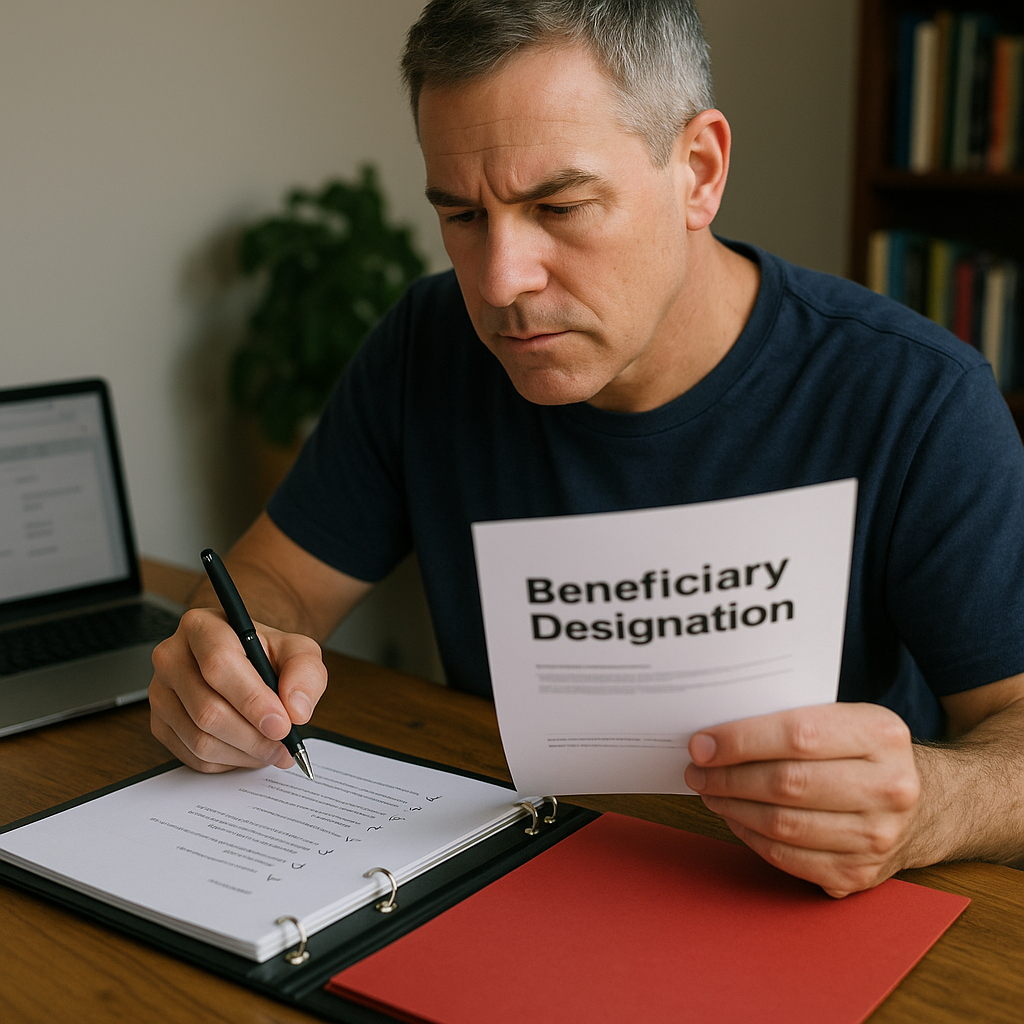
I've seen otherwise solid plans get kneecapped by one ancient beneficiary designation. Not because anyone was reckless. Because life happens: you change jobs, you open a new IRA at a different brokerage, you set up an HSA, you get remarried, you have a kid, you mean to update it, and then it's 6 years later. Meanwhile those forms sit there like little legal tripwires.
My fix is boring and fast: once a year (I do it when I file taxes), I run a beneficiary audit across every account that can bypass a will. I keep a checklist in the binder so I don't rely on memory. The goal isn't to over-optimize. It's to prevent the obvious disasters and to make sure the money lands where you intended, with the right level of control for minors.
This is the sweep I do:
- Employer plans: 401(k), 403(b), and any old plan you forgot to roll over. HR portals hide this in weird places. I take a screenshot of the confirmation page after I update it, then I print that single page for the binder.
- IRAs and Roth IRAs: check primary and contingent. If you've named a parent or a sibling back when you were 24, you will feel a little ill when you see it.
- Brokerage accounts: verify TOD/POD settings if you use them.
- Life insurance: term and any employer-provided policy. This one gets missed constantly because people assume HR handled it.
- 529 plans: not a beneficiary form in the same way, but I verify the successor owner and write down how to access the account, because someone will have to keep it running for the next generation.
One nuance that matters when you're thinking about future generations: if your kids are minors, naming them directly can create a court-supervised headache depending on your state and the amounts involved. I'm not giving legal advice here, but I will say this is the moment to talk to your estate attorney about whether you should be naming a trust or using a custodian arrangement. The point is to match your beneficiary designations to the structure you set up, not to accidentally route money around it.
Then I do a final, petty check: I make sure the names match legal names on IDs (middle initials, suffixes). Financial institutions can be slow when they're trying to interpret Bob versus Robert plus two people with the same birthday. It's one of those details you only care about when you desperately need it to be smooth.